pb;proxy
Manual proxying without using proxy-tags or auto-proxy.
This command allows an system to manually proxy an alter.
Usage
All arguments in <value> format are required. All arguments in [value] are optional.
pb;proxy <alter> <[message]|[attachment]>Application Command Required
This command requires the use of Discord Application commands due to the fact that the use of using this command would be practically useless if this command was not completely ephemeral.
What this command is and isn't
Manually proxying means overriding any and all auto-proxy and nickname settings. The pure purpose of this proxy command is to send a webhook using the data of an alter. It will not change your nickname, or change any auto-proxy settings.
To use this command, you must either have a message or an attachment, or both. This data will be used to form your message that will be proxied.
Discord will allow you to automatically auto-fill an alter name when using the slash command.
When using this command, there is no extra message that will be publicly sent in chat unlike in normal (automatic) proxying, making it a good way to proxy without showing an additional message before the proxied one is sent.
Note for server administrators
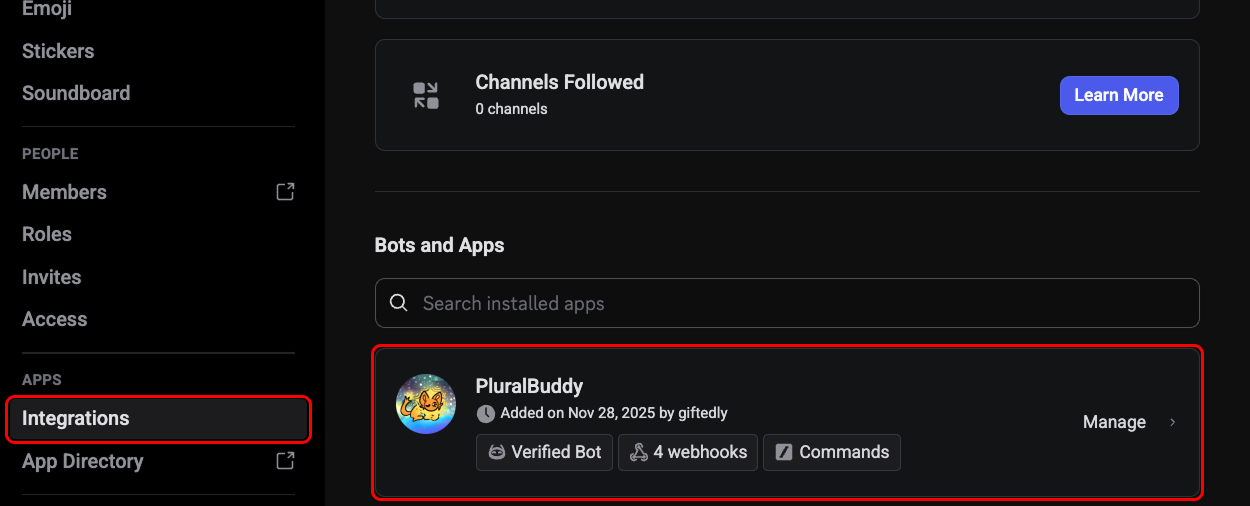
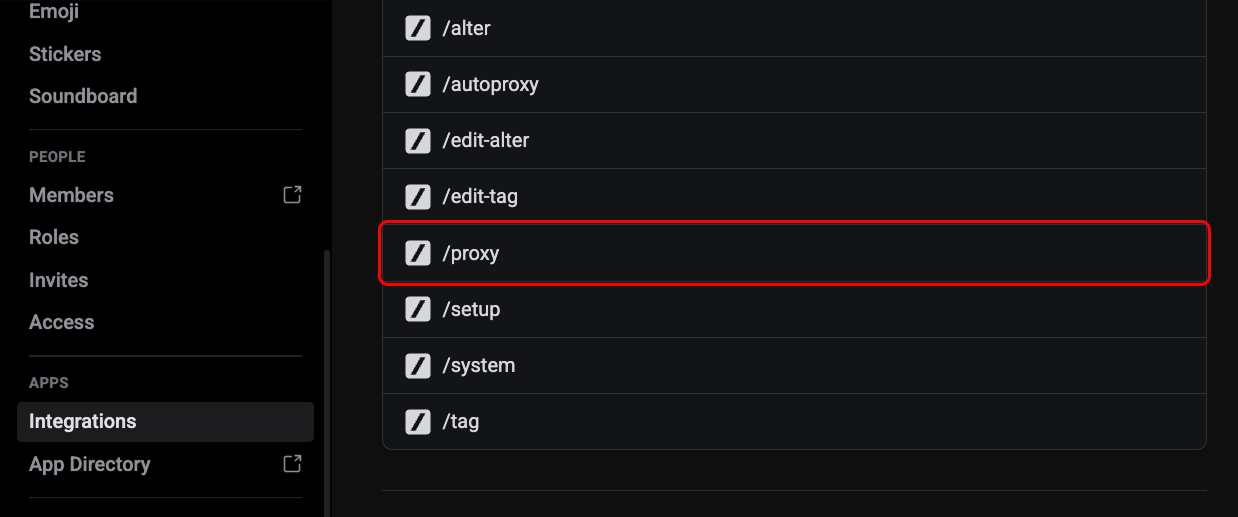
This command completely overrides any and all base Discord AutoMod rules, since, PluralBuddy cannot read your AutoMod rules and take action accordingly based on a manual proxy message. However, unlike other commands on PluralBuddy, they cannot be disabled using the server config. They must be disabled via Discord's "Integration" tab in the Server Settings.
How is this guide?